 Reference video
AI Video Templates
Choose a scene, upload your photos, and make it yours.
Create your own scene in Studio →Reference video TakeBop example
Window Peeper AI
15 credits · 1 photo Reference video
Christmas Pajama Dance
10 credits · 2 photos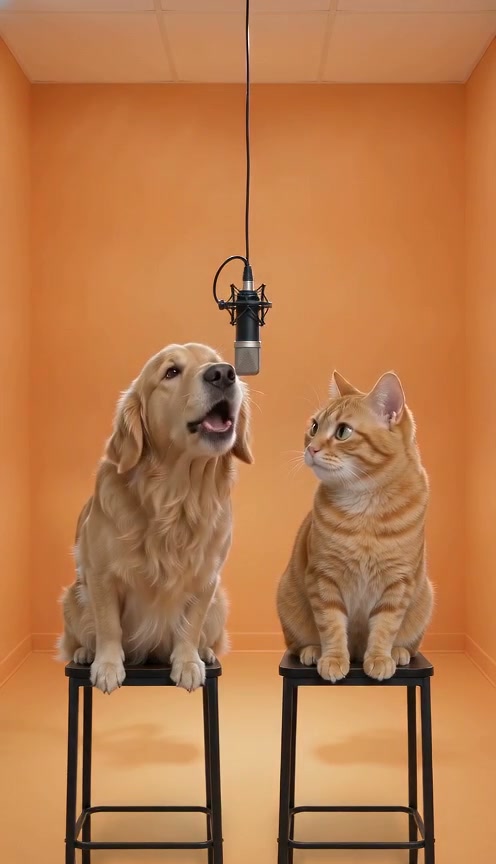 Reference video
Hotel Lobby AI
10 credits · 2 photos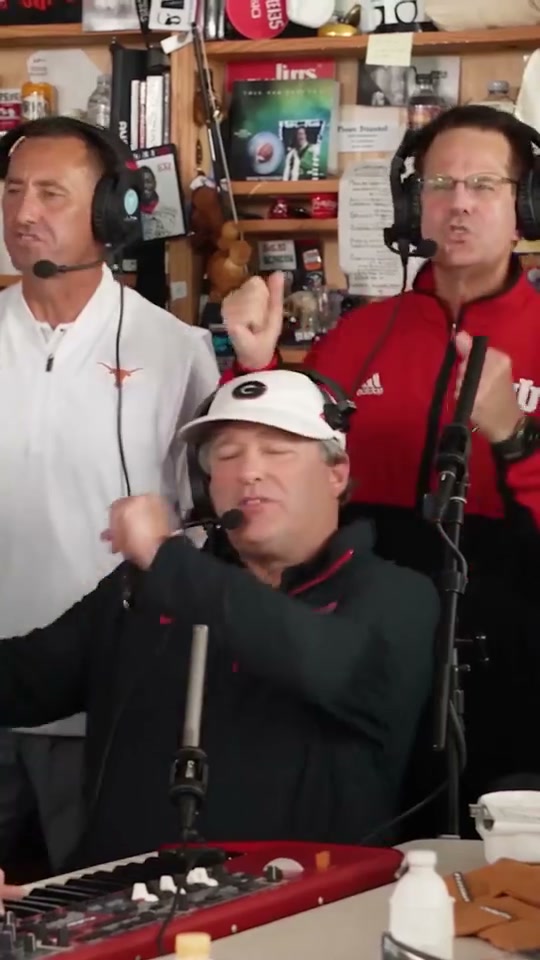 Reference video
Tiny Desk
10 credits · 1 photo TakeBop example
Bulin 47 AI
10 credits · 1 photo Reference video
Bruno Window Serenade
10 credits · 2 photos Reference video
Smalltown Boy
10 credits · 2 photos TakeBop example
Burning Bridges AI
10 credits · 1 photo Reference video
iPhone Kupi Dance
10 credits · 1 photoChoose photos that fit the scene
A clear face
Use a well-lit photo with the face visible. Avoid sunglasses or anything covering the face. Human roles are for adults.
A photo for each role
Follow the labels on the scene page. For a duet or a pet scene, upload a separate photo for each requested character.
The right framing
For full-body scenes, include clothing and shoes where possible. Check the scene’s guidance and use only photos you have permission to use.
Choosing a video template
Should I choose a template or use Studio?
Choose a template when you want its setting, roles and performance. Use Studio to describe your own scene, with optional reference images. Both use the same credit balance.
How many photos does a template need?
Each card shows the required photo count. Open the scene to see which character each photo replaces. A scene with several people in the preview may only replace the lead performer, so follow the upload labels rather than counting everyone on screen.
Are the previews actual generated results?
“TakeBop example” labels identify results generated with AI-created sample portraits. “Reference video” labels identify the scene used as a reference. Check the label on the scene page; your result can differ in faces, clothing, movement and small details.
Where can I see the credit cost?
The cost appears on each template card and again before you generate. Longer scenes can cost more. Compare available packs on Pricing; templates and Studio share your balance.