Christmas Pajama Dance AI Video Template
CelebrationsCreate an AI Christmas dance video from two photos, starring you and a friend or partner in matching pajamas. Follow the festive kitchen routine, playful hand gestures and turns, with one photo for each dancer.
Add your photos
Left dancer
One adult per photo, with the face and clothing clearly visible.
Right dancer
One adult per photo, with the face and clothing clearly visible.
JPG, PNG or WebP · Up to 10 MB each · At least 256 × 256 px
0 of 2 photos ready
Checking your account…
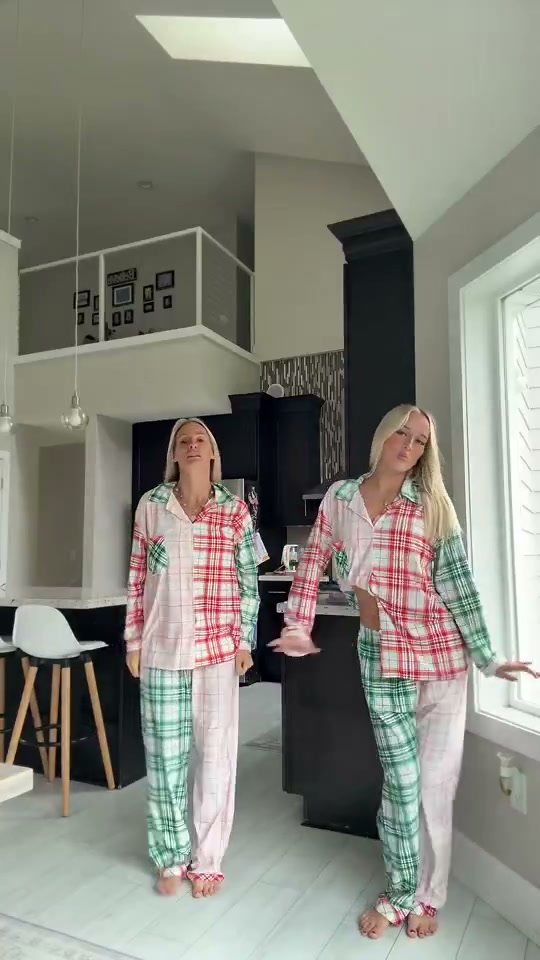 Reference video
Two photos. One Christmas dance.
See a real TakeBop result made from these two photos. We prepare the matching pajamas automatically, then bring both characters into the dance.
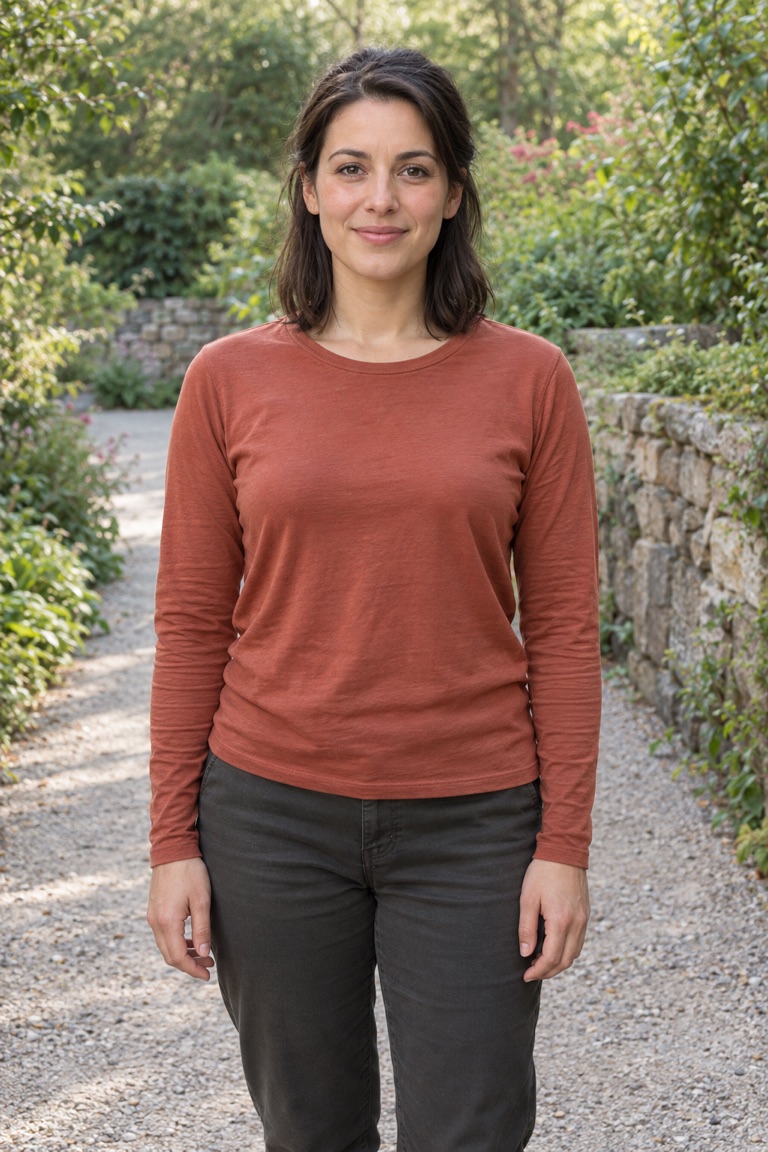
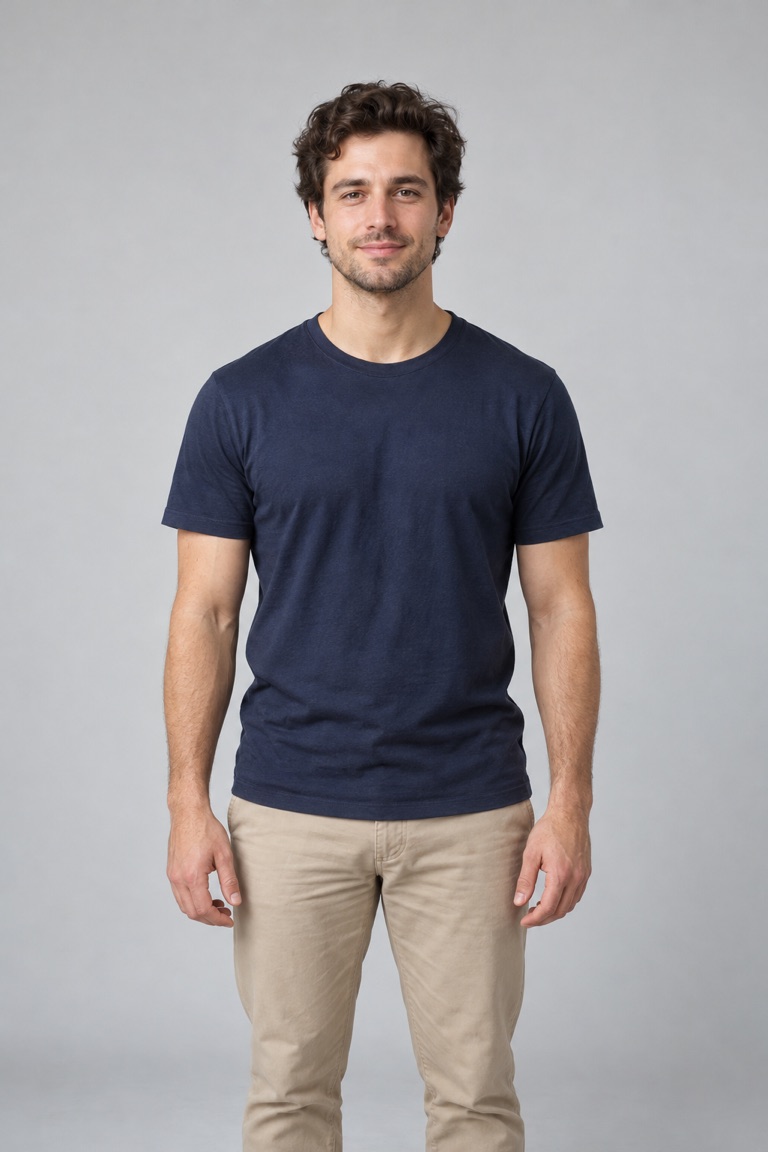
These sample portraits are AI-generated, not customer photos. Faces, movement and clothing details can vary between generations.
About this scene
Create an AI Christmas dance video from two photos, starring you and a friend in matching pajamas. Follow the kitchen dance, coordinated steps and turns for a playful holiday greeting.
10 seconds · 9:16 video · 10 credits · 2 photos
Compare this scene with Birthday Champagne, Window Peeper AI, Hotel Lobby AI to choose a different setting or performance.
Want to describe your own scene? Try the image to video free trial.
Choose your photos
Upload a separate, clear photo for each adult. Use the Left dancer slot for the person farther back and the Right dancer slot for the person closer to the camera.
Make your video
- Add a photo to each role above and confirm you have permission to use it.
- Sign in and check your credit balance, then select Generate video.
- Once your task has started, follow its progress in My videos. Watch and download it when it is ready.
Before you create
Do we need to wear pajamas in our photos?
No. This template uses the pajamas from the reference scene. Your photos provide the two people’s identities, so clear faces matter more than matching outfits.
Will my result look exactly like the preview?
The main preview is a reference video. TakeBop-generated examples are labeled separately. Your video uses your photos and follows the scene, but faces, movement and small details can vary.
What happens if generation fails?
Credits are returned automatically when a task is confirmed as failed. If it is still processing or its status is unclear, check My videos before starting another attempt.
Can I choose the music or use my own voice?
This template includes a fixed backing track. It does not offer music selection, voice uploads or voice cloning.